— Case Study · Active Projects
Accessibility QuickScan
Web tool to help websites verify WCAG compliance through HTML analysis
Highlights
- Built accessibility compliance tool enabling quick WCAG guideline verification
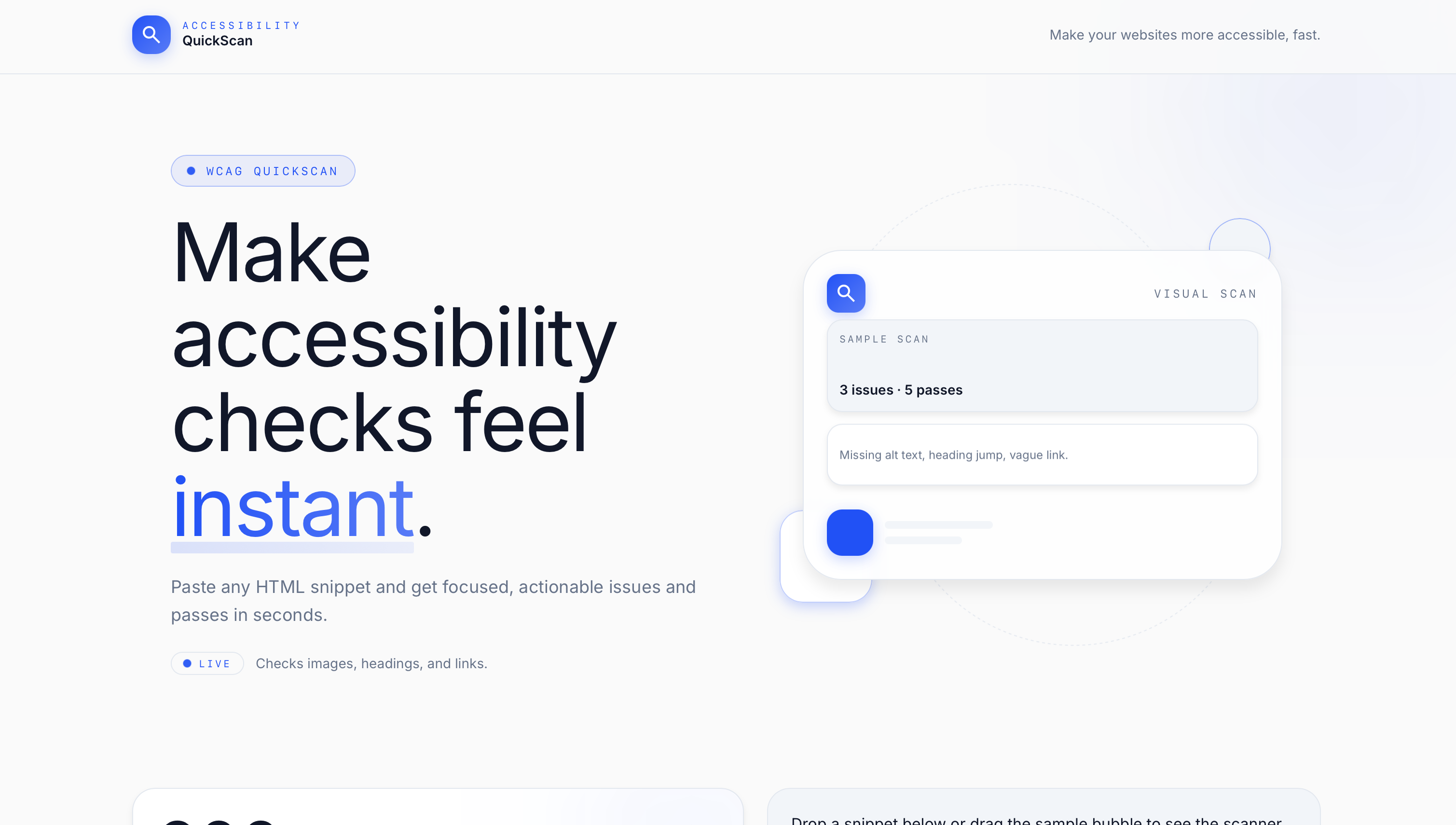
- Paste HTML and receive detailed compliance reports identifying violations
- Developed with TypeScript, React, and Next.js for modern web experience
Why I built it
Accessibility checks are easy to postpone when the first step feels expensive. I wanted to make that first pass smaller: paste the HTML you already have, run a scan, and get a report that points to concrete issues.
Accessibility QuickScan is not a certification tool. It is a fast way to surface likely WCAG problems early enough to do something about them.
The workflow
The input is intentionally direct. A user pastes HTML into the tool and starts the analysis. The result is returned as a structured report instead of an unfiltered block of technical output.
The report groups findings so a developer can see what was flagged and return to the relevant markup. The goal is to shorten the distance between noticing a problem and fixing it.
Building the interface
I built the project with TypeScript, React, and Next.js. The UI had to handle large HTML inputs, analysis states, and detailed results without making the page feel like another developer console.
That meant giving the input and report clear visual roles, keeping status changes obvious, and writing result language that helps someone decide what to inspect next.
Where it stands
QuickScan is deployed and still active. The current version is a practical first-pass checker, not a replacement for manual review, assistive-technology testing, or accessibility expertise.
The next challenge is depth without false confidence. Adding more checks only helps if the report stays understandable and remains honest about what automated analysis can and cannot verify.